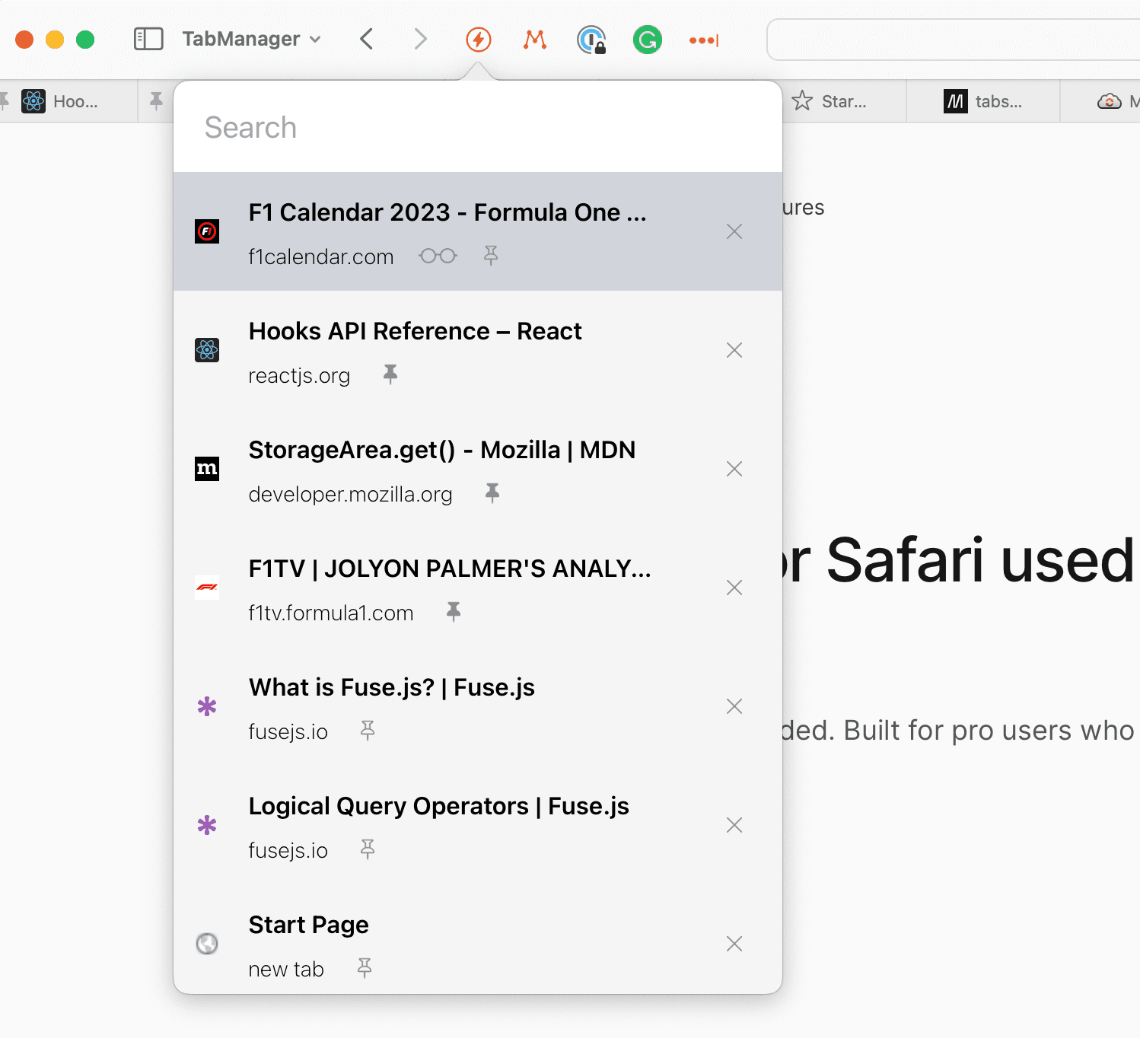
Built with power users in mind. You will love it if you are a collector of tabs.
It was time Safari got a web extension that lets you move around tabs similar to how one does when using Chrome or Firefox. With a sprinkle of features to save you time.
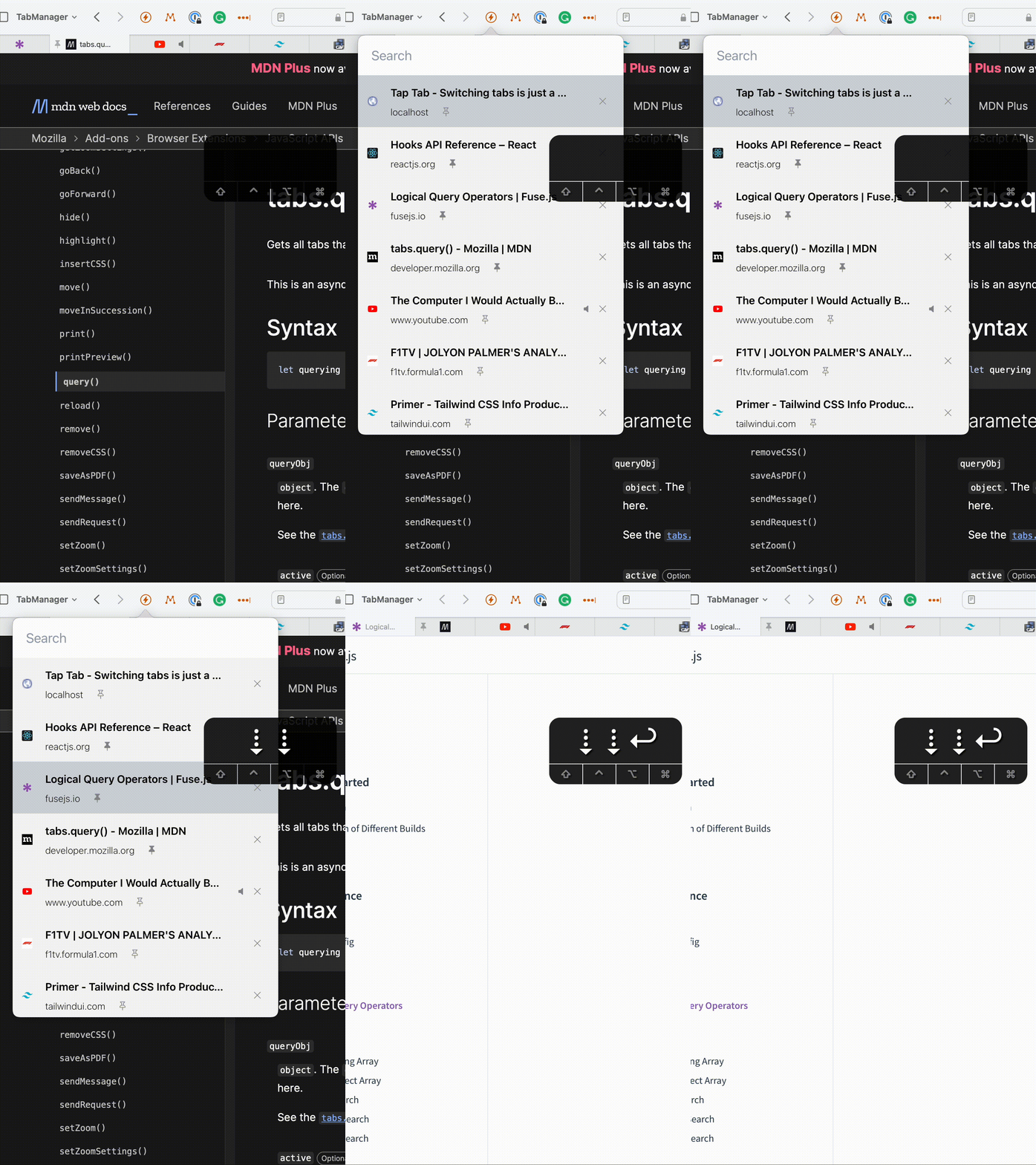
Keep your hands at the keyboard
Move around your tabs without leaving the keyboard. In TapTab 2.0, you can customize shortcuts to match the way you work.
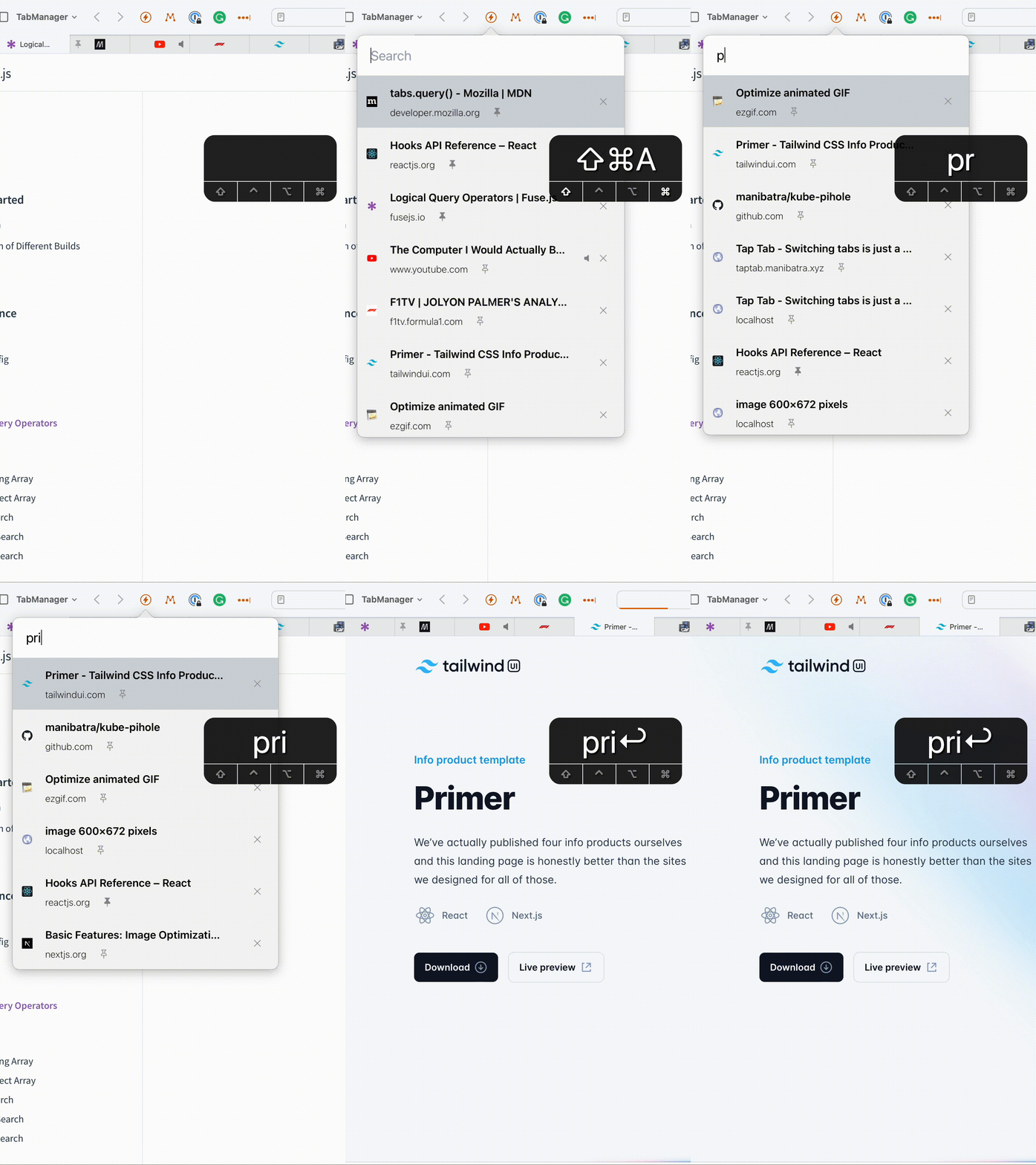
Fuzzy Search
Start typing the title of the tab and we will do the rest. Got hundreds of tabs open? Not a problem.
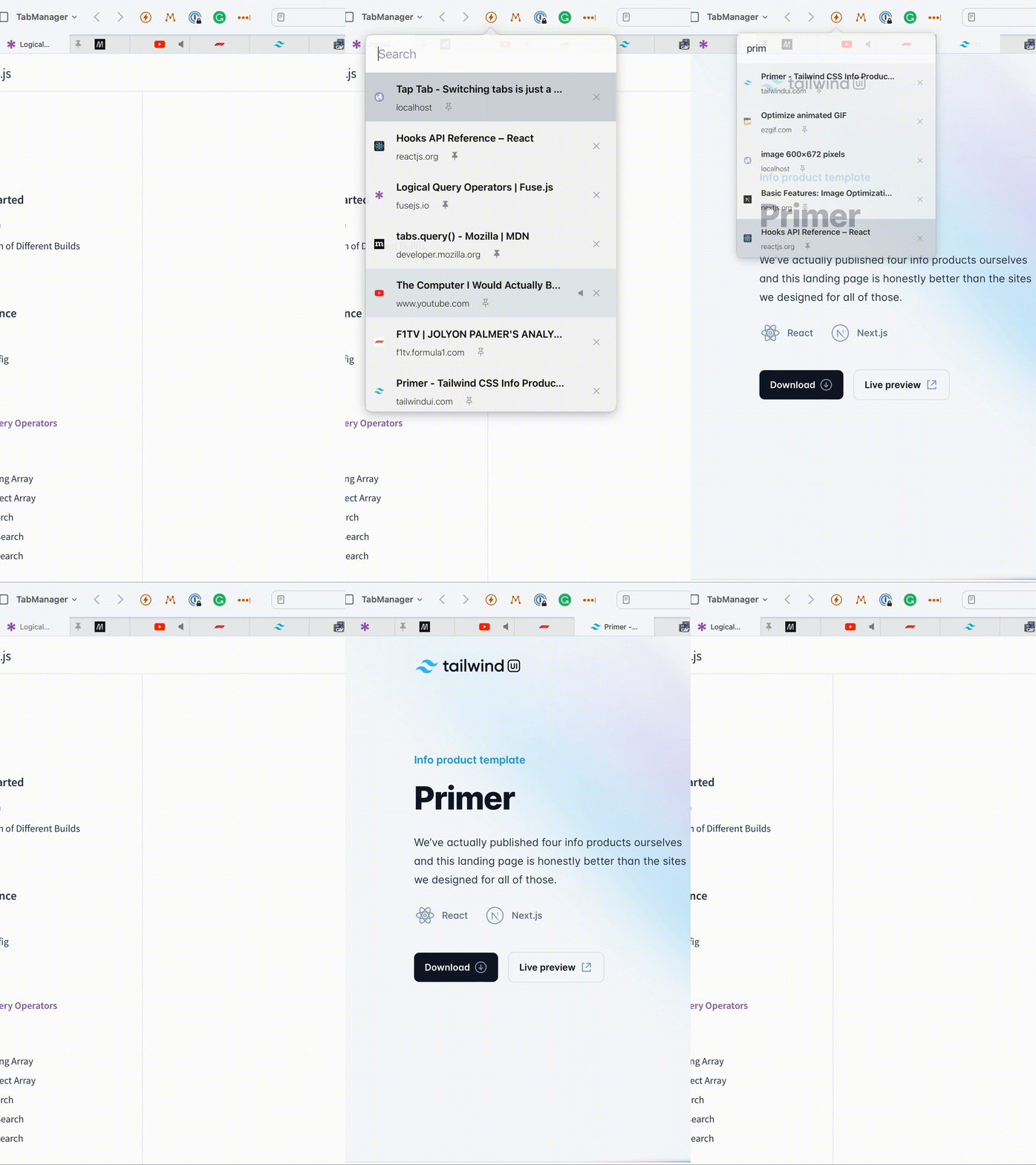
Fast Switching to Previous Tab
Switch back to the previous tab in Safari with an easy to remember shortcut.
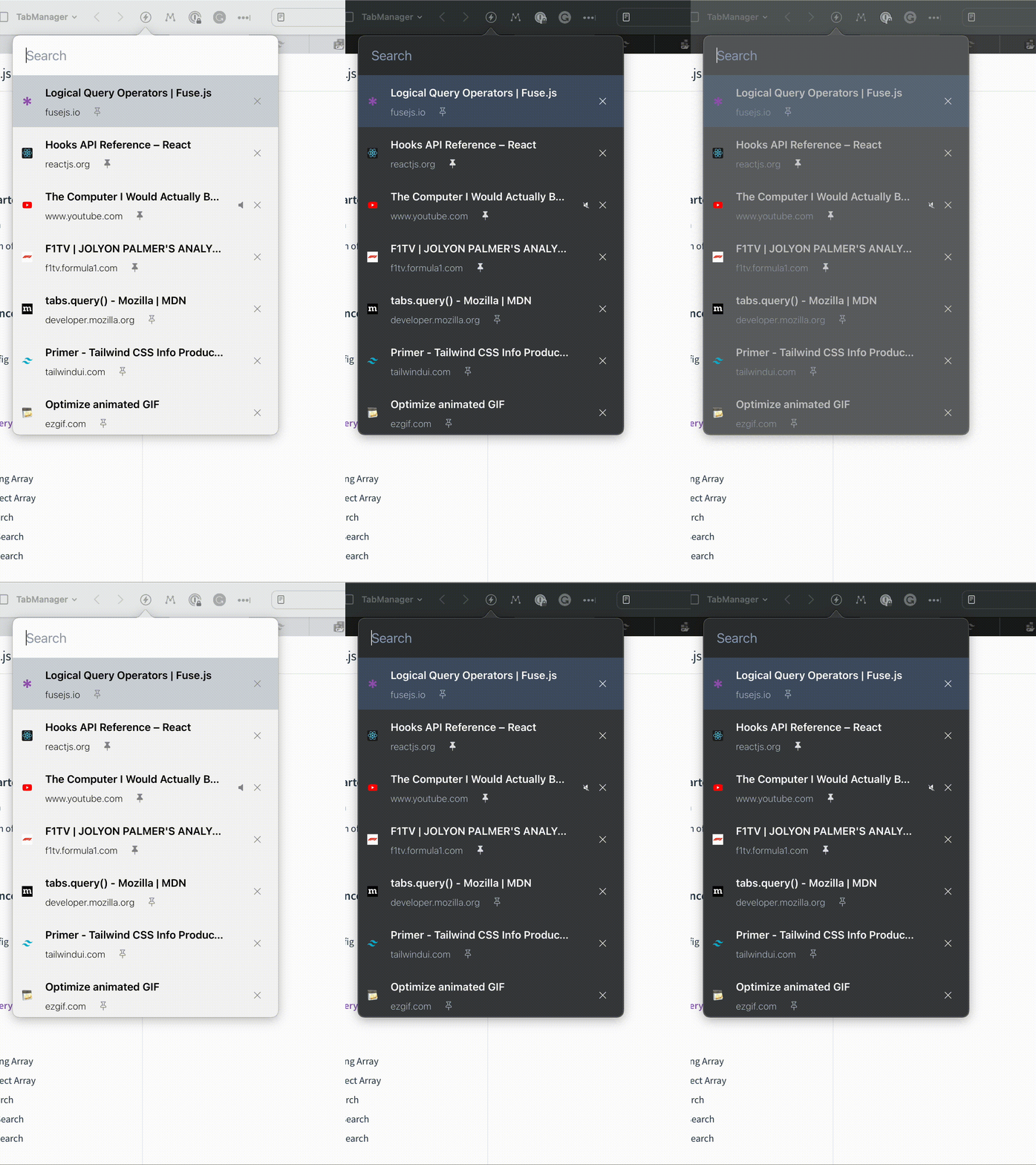
Dark Mode
Comes with Dark mode support so that the extension does not look out of place in your browser and you do not have to strain your eyes.
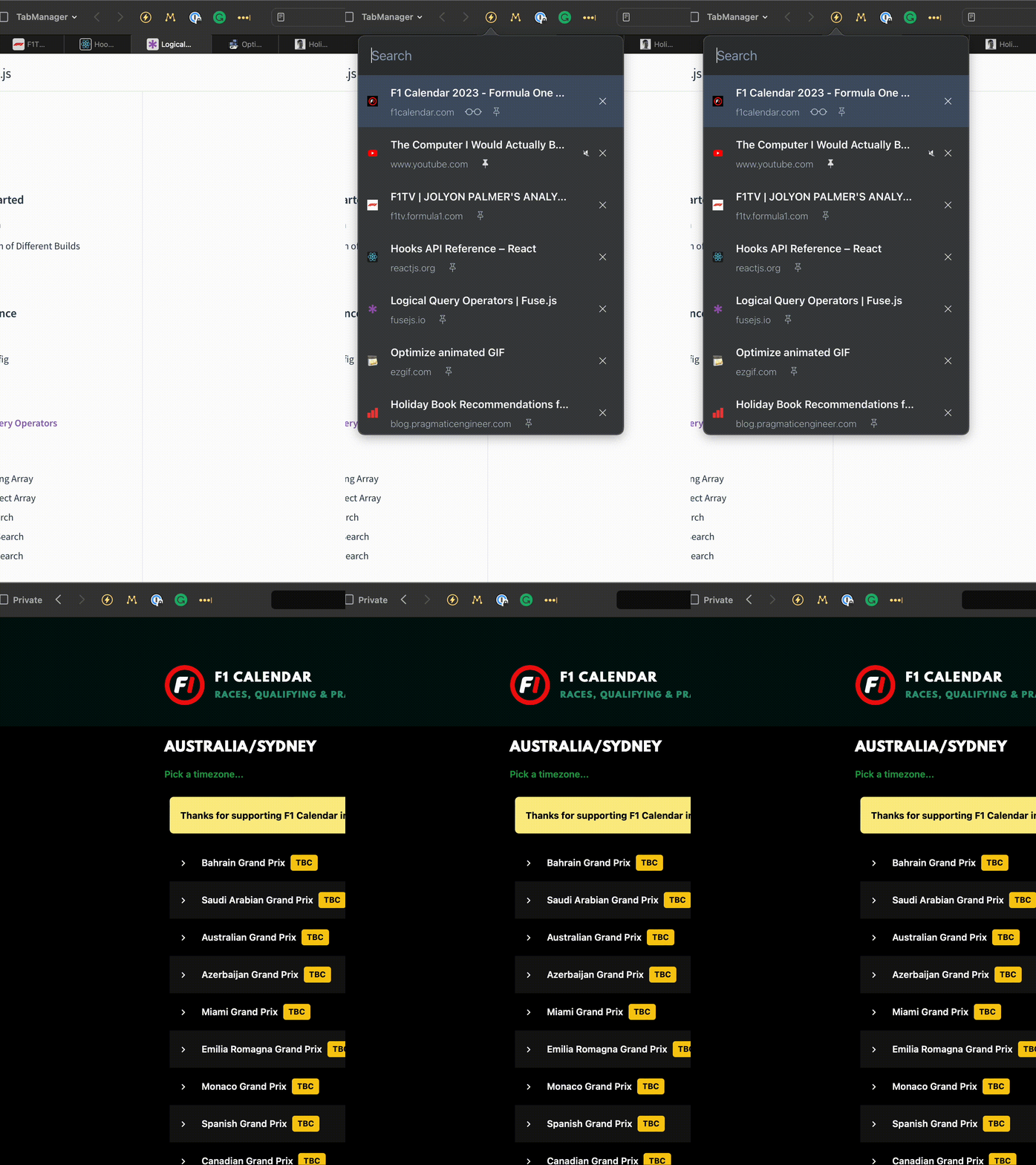
Multi-Window Support
We love using multiple monitors with multiple windows. Now you can switch between tabs in all your windows with ease.
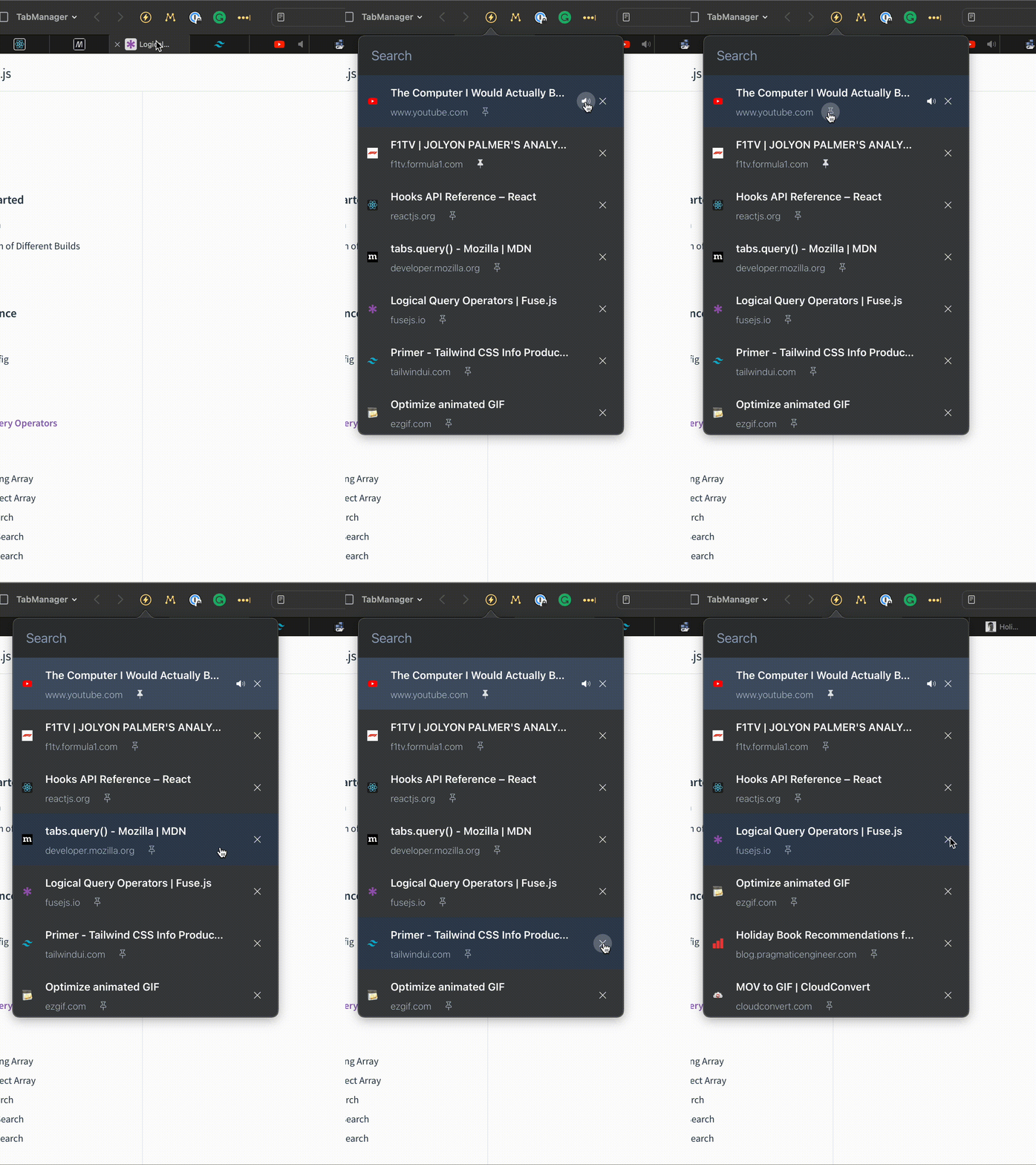
Pin/Mute/Close Tabs
Now you can pin, mute or close tabs from within the extension. No more hunting for the correct tab in your window.
Frequently asked questions
If you have anything else you want to ask, reach out to us.
Do we collect any data?
TapTab searches and manages tabs on your device and contains no advertising or analytics SDK. Website icons are requested from Google’s favicon service, which receives the site domain and your IP address. Your shortcut settings stay in local Safari storage, and recent-tab IDs stay in session storage. For details, read our Privacy Policy or contact saveme@taptab.dev.
What shortcuts do I use?
TapTab provides the following default shortcuts: Cmd + Shift + A : Open/Close the extension Cmd + Shift + P : Go to the previous tab Cmd + Shift + M : When a tab is selected in the extension, mute/unmute the tab Cmd + Shift + K : When a tab is selected in the extension, close the tab
Can I change the keyboard shortcuts?
Yes! In TapTab 2.0, open Safari → Settings → Extensions → TapTab → Settings to customize shortcuts for navigating results, switching tabs, closing, muting, pinning, and focusing search. Click a shortcut and press your preferred keys. Changes save automatically, and you can restore the defaults at any time. On Safari 26 or later, choose Shortcuts in the same extension settings to change the commands for opening TapTab, returning to the previous tab, muting, pinning, and closing the current tab.